CampSite

My Camp

Sign in to an existing account or sign up to create a new one. New accounts require email confirmation.

Find a Campground

Find reservable federal campgrounds by name. If a known location is missing, try selecting 'ALL STATES' as some may be miscategorized. Click a result to use its ID for the next step.
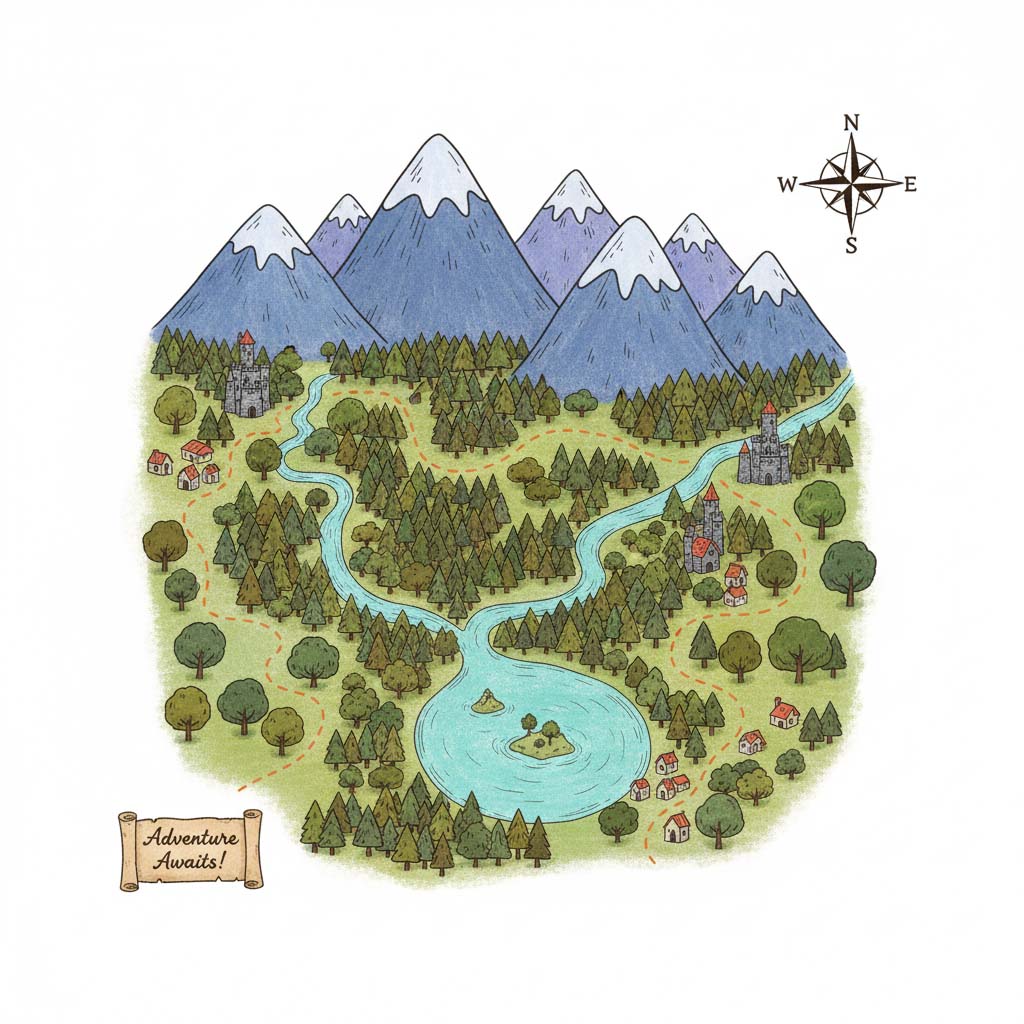
A map of a forest

Find a Campsite

How to use:

  1. Get a Campground ID in one of several ways:
    • Use the Find a Campground tool above.
    • Create an account to save and load your favorite campgrounds from the My Camp tool.
    • Select a location from the Load Example dropdown.
    • Manually enter a known ID.
  2. Adjust the date range and other options as needed.
  3. Click Find Campsites to see the results below.

This search includes both reservable and non-reservable (walk-up/first-come, first-served) sites. Use the "Exclude 'Walk-up' sites" option to filter results.
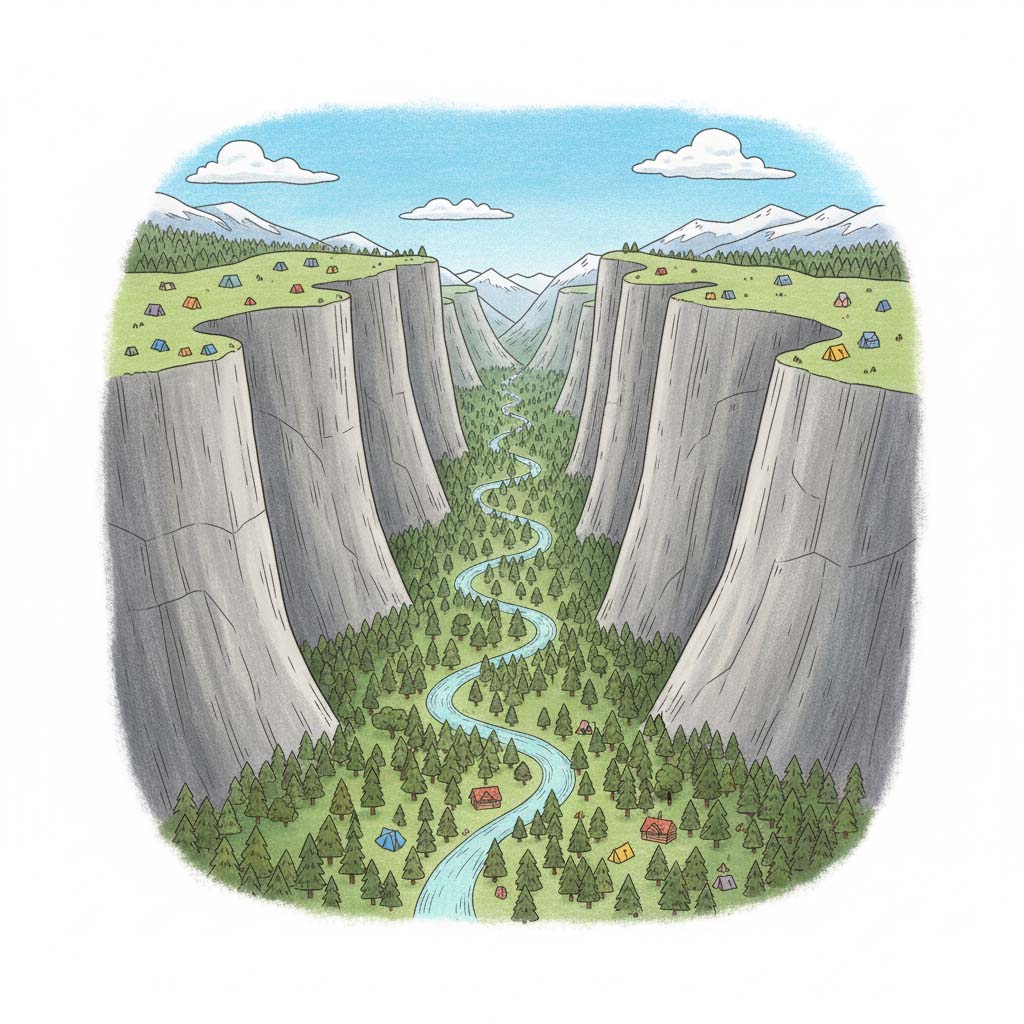
A tent in a forest campsite
Search Configuration
Output & Display Options

About CampSite

What is CampSite?

Welcome to CampSite! This tool is designed to give you a powerful, consolidated view of campsite availability from Recreation.gov. It includes features not available on the official site, like a comprehensive monthly grid view and custom availability alerts, to help you find the perfect spot for your next adventure.
Tent in the woods

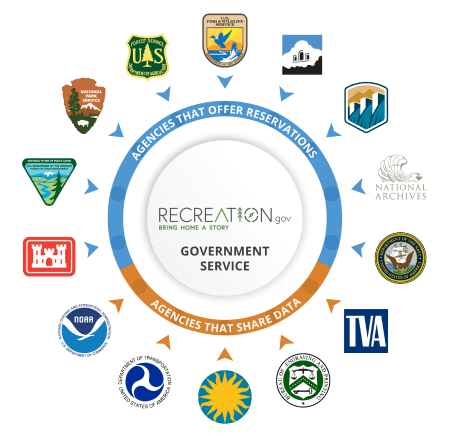
About Recreation.gov

CampSite Services

CampSite connects with Recreation.gov to help you plan your trip.

  • Search: Browse availability with our custom grid.
  • Learn: View amenities and site details.
  • Save: Track your favorite campgrounds.
  • Alerts: Get notified when spots open up.

We help you find the spot, and provide direct links to book the campsite securely on Recreation.gov.

How to Use This Tool

  1. Find a Campground ID: Use the "Find a Campground" tool above, select from the examples, or use your saved favorites in "My Camp" to get a campground's unique ID.
  2. Configure Your Search: In the "Find a Campsite" section, enter the ID, select your desired date range, and apply any filters like specific site numbers.
  3. View Results: Click "Find Campsites" to see availability displayed in easy-to-read tabs, including a monthly grid view.
  4. Set Up Alerts (Optional): For registered users, you can save a search from the results page to "My Camp" and activate alerts to be notified when a matching campsite becomes available.

Frequently Asked Questions (FAQ)

Where does this data come from?
All campsite availability data is sourced directly from the official, publicly available APIs provided by Recreation.gov. This ensures the information is accurate and up-to-date, matching what you would see on their website.
How is this different from Recreation.gov?
CampSite offers several unique features: a monthly grid view for at-a-glance availability, inclusion of first-come-first-served sites in searches, and a custom alert system that notifies you when a desired campsite opens up.
What do the availability statuses mean?
Available: The site can be reserved.
Not Available: The site is already reserved.
Reserved: The site is held in someone's cart.
Not Reservable (Walk-up): The site is first-come, first-served.
Do alerts check for my entire trip length?
No. Alerts check for any opening within your date range. If you set a range of July 1–7, and only July 4th opens up, you will still get an alert. This helps you piece together a trip or find single nights.

Release Notes

Version 1.0 (Initial Release)

  • Core functionality for searching campsite availability, user accounts, and custom alerts.

Version 2.0 (Testing)

  • Testing the core functionality for ongoing custom alerts, notifications, etc.

Contact & Support

Have a feature request, found a bug, or just want to say hello? We'd love to hear from you.

📧 Email Support

fizzrockstudio@gmail.com

🐛 Report a Bug

Submit Issue

Support the Dev

Buy me a coffee

Illustration of a tent in a forest campsite.